

A new server only starts paying for itself once it is racked, cabled, configured and running. On-site installation is where small details make a big difference: the wrong rail kit, a missing power outlet or an unlabelled cable can turn a two-hour job into a second visit.
This guide explains what happens when our engineers come to your office or data centre in Egypt or the UAE, and how to prepare so everything goes right the first time.
What on-site support covers
- Installation: unpacking, inspecting and installing new servers, storage and networking.
- Racking and de-racking: mounting equipment in your racks, or safely removing it.
- Relocation: moving equipment between rooms, buildings or data centres.
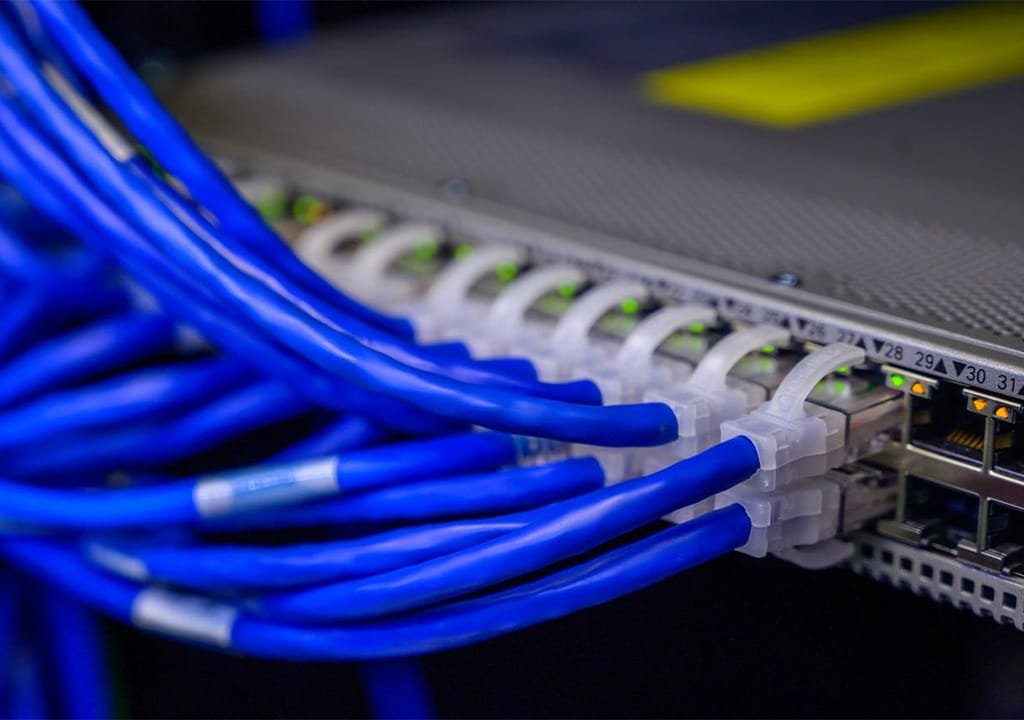
- Re-cabling: replacing untidy or failing cabling with a clean, labelled layout.
- Configuration and setup: getting the hardware ready for your team to use.
How it works: clear scope, clear price
- You send a job specification detailing what you need.
- Our team reviews the task and decides on the specifics.
- You receive a cost estimate for the work and any equipment.
- Our engineers arrive at your office or data centre fully equipped.
- Any extra work not in the quote is noted and agreed with you before billing.
What to include in your job specification
- The site address, and whether it is an office, a server room or a third-party data centre.
- The equipment involved: makes, models and quantities.
- What you want done, for example install and power on, or install and configure.
- Your preferred date and time, and any change window you must work within.
- A contact person who will be on site.
Prepare the site before the visit
Rack space
- Enough free rack units for the equipment, with the right rack depth.
- Rails or shelves that fit your rack. If you are not sure, tell us your rack make and model.
Power
- Free PDU outlets of the right type. Most servers use C13 connectors, while high-wattage systems such as GPU servers often use C19.
- Two independent power feeds for servers with redundant power supplies, where available.
- Spare capacity on your UPS for the new equipment.
Network
- Free switch ports at the right speed, and the cable types needed to reach them.
- IP addresses, VLANs and hostnames decided in advance.
Access
- Data centre access permits and escort arrangements booked ahead of time.
- A clear delivery route, including lifts, door widths and a loading area for heavy equipment.
- Someone from your team with the authority to approve changes on the day.
On the day
- Unpack and inspect every item, and check it against the order.
- Mount the rails and rack the equipment, with the heaviest items lowest in the rack.
- Cable power and network neatly, with every cable labelled at both ends.
- Power on and check that all components are detected and healthy.
- Configure remote management, such as Dell iDRAC, so the hardware can be monitored.
- Agreed configuration, such as RAID, firmware updates or operating system installation, if it is in scope.
- Hand over with a summary of what was installed and where.
Moving servers: relocation done safely
Relocations need the most planning. Before any move, take a full backup and agree a shutdown plan with the system owners. Label and photograph every cable before it is unplugged, so the equipment can be reconnected exactly as it was. Transport equipment in proper packaging, re-rack it in the new location and check every system before handing back.
After installation
Once your equipment is running, it is covered by our warranty: a 3-year Dell warranty on new servers and 1 year on other hardware. Our technical support team is available Sunday to Thursday, 10am to 7pm, and we aim to reply to every ticket the same day, or the next working day after hours.
Book an engineer
Tell us the location, the equipment and the timing, and we will send back a clear scope and cost estimate. Book on-site support, or read about preparing your site for 8-GPU AI servers.
