

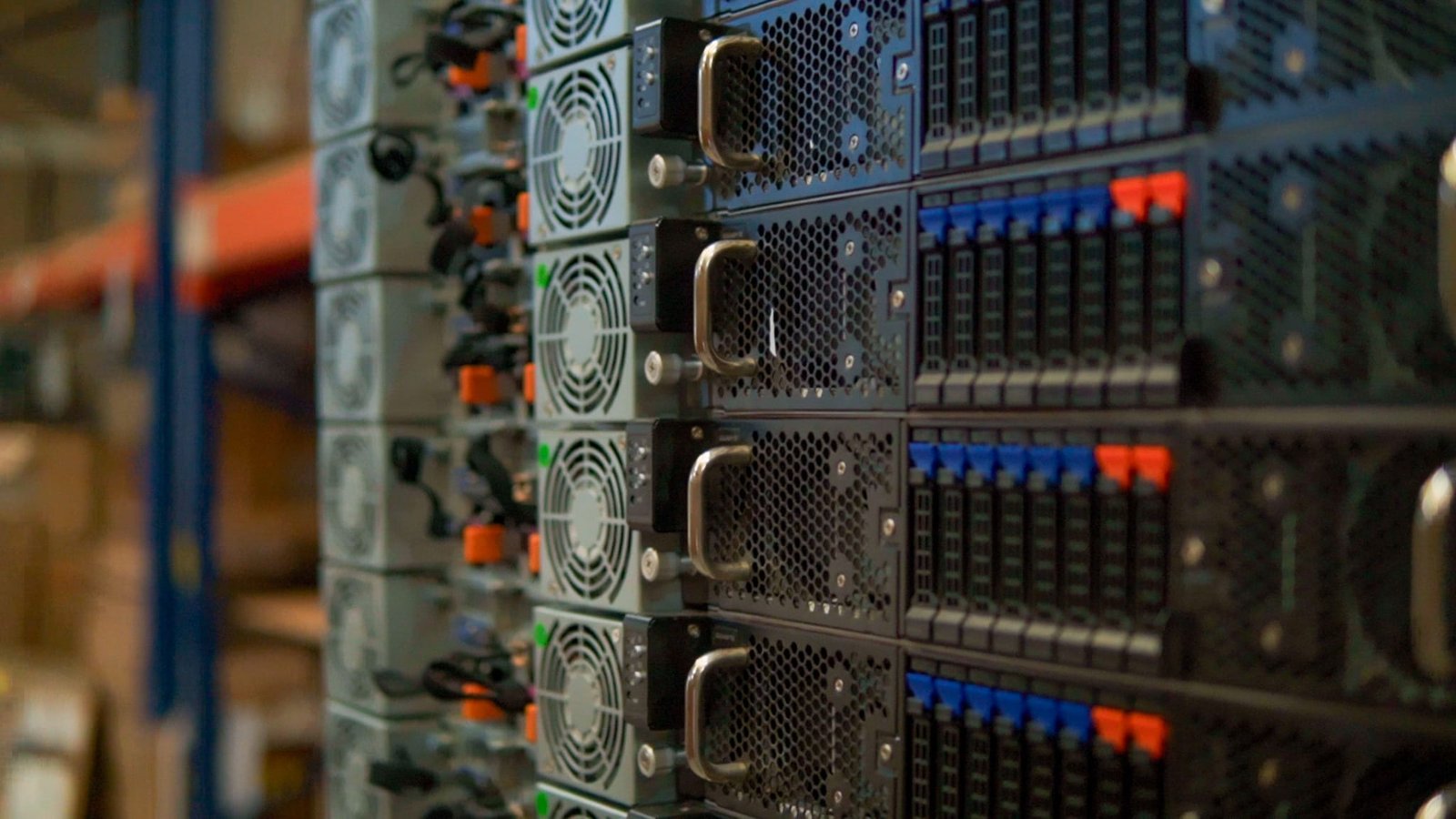
Not every server needs to be new. A refurbished enterprise server, tested properly and backed by a warranty, can do the same job for a fraction of the price. Some workloads, though, need new hardware, full manufacturer support and the latest processors. Mega Build Up supplies both: factory-new Dell PowerEdge servers, and refurbished servers for customers on a tighter budget. This guide explains how we decide which to recommend.
The short answer
- Choose refurbished for test and development, backup and disaster recovery, branch offices, training labs, extra nodes for a cluster you already run, and any project where the budget matters more than having the newest hardware.
- Choose new for AI and GPU servers, systems that must run 24/7 under a manufacturer support contract, workloads that need the latest processors, memory or PCIe speeds, and servers you plan to keep for five years or more.
1. What “refurbished” actually means
Refurbished is not the same as used. A used server is sold as it came out of someone else’s rack. A refurbished server has been inspected, cleaned, tested and, where needed, repaired with replacement parts, then reset and updated before it is sold again.
The word is not regulated, so the quality depends on who did the work. A good refurbisher:
- Tests the processors, memory and system board under load, not just at power-on.
- Checks the health data of every drive, or fits new drives.
- Replaces parts that wear, such as fans, RAID controller batteries and, where needed, power supplies.
- Updates the BIOS, the remote management controller (iDRAC on Dell servers) and the firmware of drives and network cards.
- Wipes all previous data using a recognised method.
- Gives you a written warranty.
2. Are refurbished servers reliable?
Usually, yes. Enterprise servers are built to run around the clock for years, and the parts most likely to fail are the ones that move or wear: drives, fans and power supplies. Those are exactly the parts a proper refurbishment tests or replaces. A server that has already run in a data centre and then passes a full load test has also come through the early-life failures that brand-new hardware occasionally suffers.
The real risks lie elsewhere:
- Age. An older generation uses more power for the same work, and may not support the newest operating systems and hypervisors. Check that the version you need runs on that generation before you buy.
- Support. Refurbished servers are usually outside the manufacturer’s warranty, so support comes from the seller. Make sure the seller has engineers and spare parts, not just a returns address.
- Security updates. Once a server generation reaches the end of its support life, BIOS and firmware updates stop. For internet-facing or regulated systems, that matters.
3. New vs refurbished at a glance
| New server | Refurbished server | |
|---|---|---|
| Price | Full price | Often a fraction of the new price |
| Warranty | Manufacturer warranty: 3 years on new Dell servers from us, extendable | Seller’s warranty: 2 years on refurbished servers from us |
| Processors and memory | Current generation: more cores, DDR5, PCIe 5.0 | One or more generations older |
| Power use | The most work per watt | More power for the same work |
| Availability | Built to order; lead times vary | Often in stock, depending on the model |
| Best for | Core business systems, AI and a long service life | Budget projects, labs, backup and extra capacity |
4. When refurbished is the smart choice
- Test, development and staging. Give your developers real server hardware without tying up the budget.
- Backup and disaster recovery. A backup target or second site that sits mostly idle does not need the newest processors.
- Extending what you already have. Adding the same model to an existing cluster keeps it consistent, and refurbished units are often the cheapest way to do it.
- Branch offices and small businesses. File, print, domain controller and small application servers run happily on a previous generation.
- Training labs and proofs of concept. Short projects where the hardware may be reused or retired later.
5. When to buy new
- AI and GPU workloads. Current GPUs such as the NVIDIA RTX PRO 6000 Blackwell and H200 need current platforms: PCIe 5.0, high-wattage power supplies and the airflow to cool them. See our NVIDIA GPUs.
- Mission-critical systems. ERP, core databases and virtualisation hosts that the business cannot run without, where you want a manufacturer support contract behind the hardware.
- A plan of five years or more. New hardware stays supported for longer, and the extra cost is spread over more years.
- Power and space limits. If your server room is short of power or cooling, one new server can often replace two or three older ones.
- Software licensed per core. Newer processors do more work per core, which can mean fewer cores to license.
6. What to check before you buy a refurbished server
- The exact model and generation, and whether your operating system or hypervisor supports it.
- Whether the drives are new or tested, and their health and hours of use.
- That the processors, memory and controllers have been tested under load.
- That the BIOS and firmware are up to date.
- Redundant power supplies, and the remote management licence (on Dell servers, iDRAC Enterprise or Datacenter).
- The warranty: how long it lasts, what it covers and how quickly a failed part is replaced.
- Who installs and supports the server, and whether spare parts are available locally.
7. How we supply refurbished servers
When the budget is the priority, we offer refurbished servers alongside new ones, so you can compare both options on the same quote. Our engineers test every refurbished server before delivery. Each one comes with a 2-year Mega Build Up warranty, and the same team that supports our new systems installs and supports it in Egypt and the UAE.
We also supply refurbished Cisco switches and, as a budget storage option, refurbished Dell EMC Unity arrays (see our Dell PowerVault ME5 storage page). If you are replacing old servers, our trade-in service can offset part of the cost.
Frequently asked questions
Are refurbished servers reliable?
Yes, when they have been tested properly and come with a warranty. The parts that wear out, such as drives, fans and power supplies, are the ones a good refurbishment checks or replaces.
Is refurbished the same as used?
No. A used server is sold as it is. A refurbished server has been inspected, tested, repaired where needed, wiped and updated before sale.
Do refurbished servers come with a warranty?
From us, yes. Every refurbished server we supply comes with a 2-year Mega Build Up warranty. The original manufacturer’s warranty usually does not carry over, so always ask who provides the warranty and what it covers.
Can I mix new and refurbished servers?
Yes. Many businesses run new servers for production and refurbished ones for backup, testing or branch offices. Just make sure your operating system or hypervisor supports both generations.
Can I run AI on a refurbished server?
For learning and small models, an older GPU server can work. For today’s large language models and AI in production, current GPUs are faster and have far more memory. Our guide to choosing between the H200, RTX PRO 6000 and DGX Spark explains the options.
Get both options on one quote
Tell us what the server will run and what your budget is. One of our engineers will reply within 24 working hours with a recommended new configuration and, where it makes sense, a refurbished alternative. Contact us or message us on WhatsApp. For new Dell servers, see our Dell PowerEdge servers page and our guide to choosing a Dell PowerEdge server.
